
Expert Locksmith Parts & Car Accessories. Since 2014, we've supplied high-quality keys, locks, and car accessories.
Subscribe Our Newsletter
Copyright 2024 KMD Keys World Tech Pvt Ltd All Rights Reserved
Expert Locksmith Parts & Car Accessories. Since 2014, we've supplied high-quality keys, locks, and car accessories.

KMD Auto Team · 12 November 2026
To replace a car key cover, take the old cover off the key, wipe the key clean, line the new cover up with the buttons, press or slide it on until it sits flat, and then test every button. The exact method depends on the type of cover, so use the photos on your product page for the fine detail.
A key cover is a skin or sleeve that goes over your existing key. A key shell is the plastic body of the key itself, the part that holds the electronics, the battery and often the blade. They are different jobs.
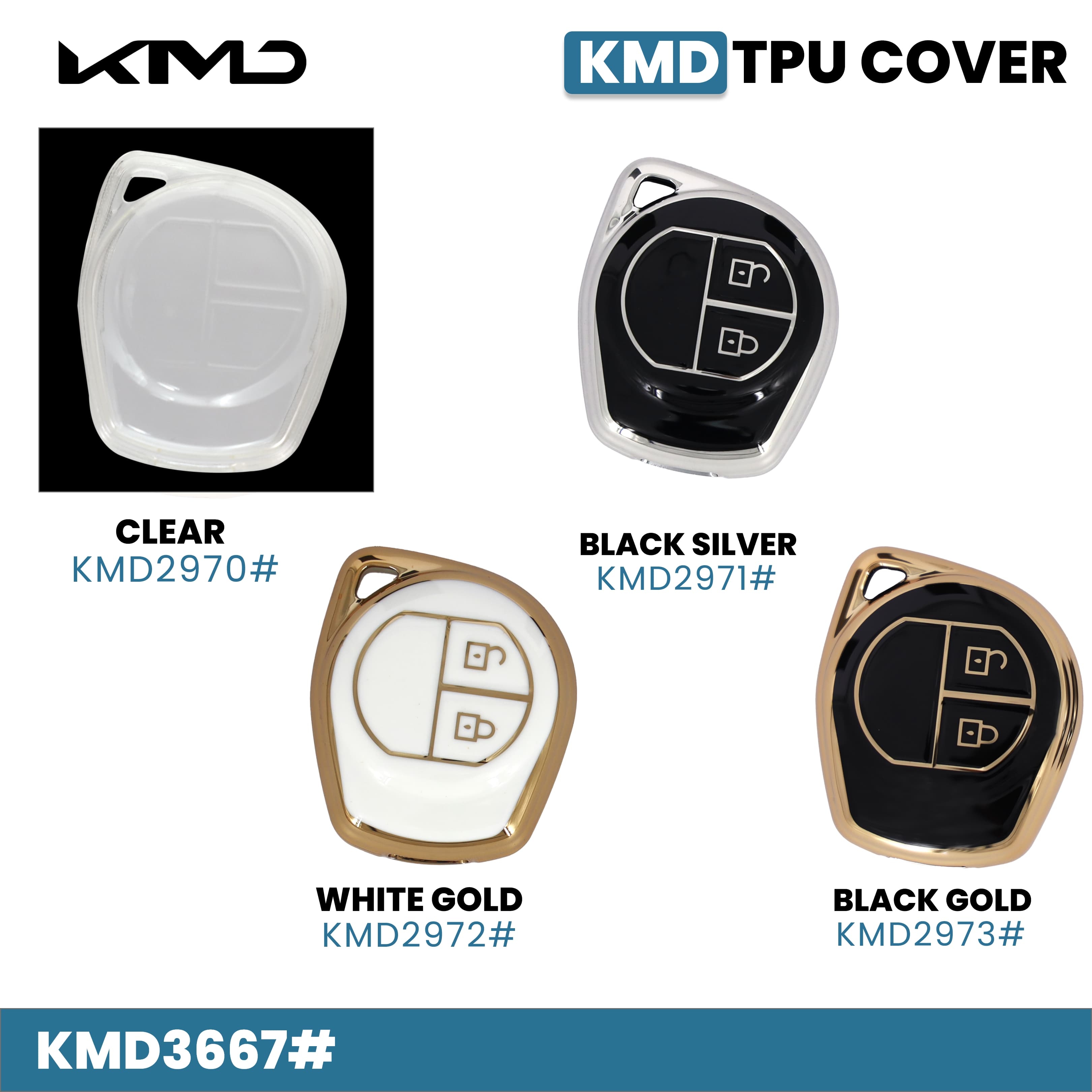
Do this before you remove anything. Put the key next to the product photo. Count the buttons, check the outline, and see whether the buttons sit in the same places. A cover made for a different key layout may block a button or sit loose, and you can avoid that by checking now. The product name may also list models, like the TPU key cover for Maruti Suzuki Swift and SX4 with a 2-button key, but the key in your hand is what matters.
Wipe the key with a dry cloth to remove dust, lint and old residue. Keep water and strong cleaners away from the electronics inside. If a sticky film is left from the old cover, wipe only the outside of the plastic with a lightly damp cloth and dry the key straight away. If you are unsure what your key can tolerate, check your owner manual.
The silicone key cover for the Tata Nexon 4-button smart key and the silicone key cover for the Toyota Innova Crysta are two examples of soft covers where the product name states the model. A named model is a starting point, so still compare the key shape in the photo.
If a button is stiff, the cover is either not seated properly or is the wrong shape. Take it off and try again. Do not force a button through.
Start with your car make, then narrow down by key shape and material. Our Maruti key covers page shows the covers that name Maruti Suzuki models, and the full key covers range lets you browse other makes and materials.
Put your key next to the product photo. Compare the overall shape and the number of buttons, and check where each button sits. If both match, go ahead and order. If they do not, choose a different listing.
